MEGA RAMP FOR SLIME Controls
Device tips that protect speed into the lip and make Landing Zones consistent.
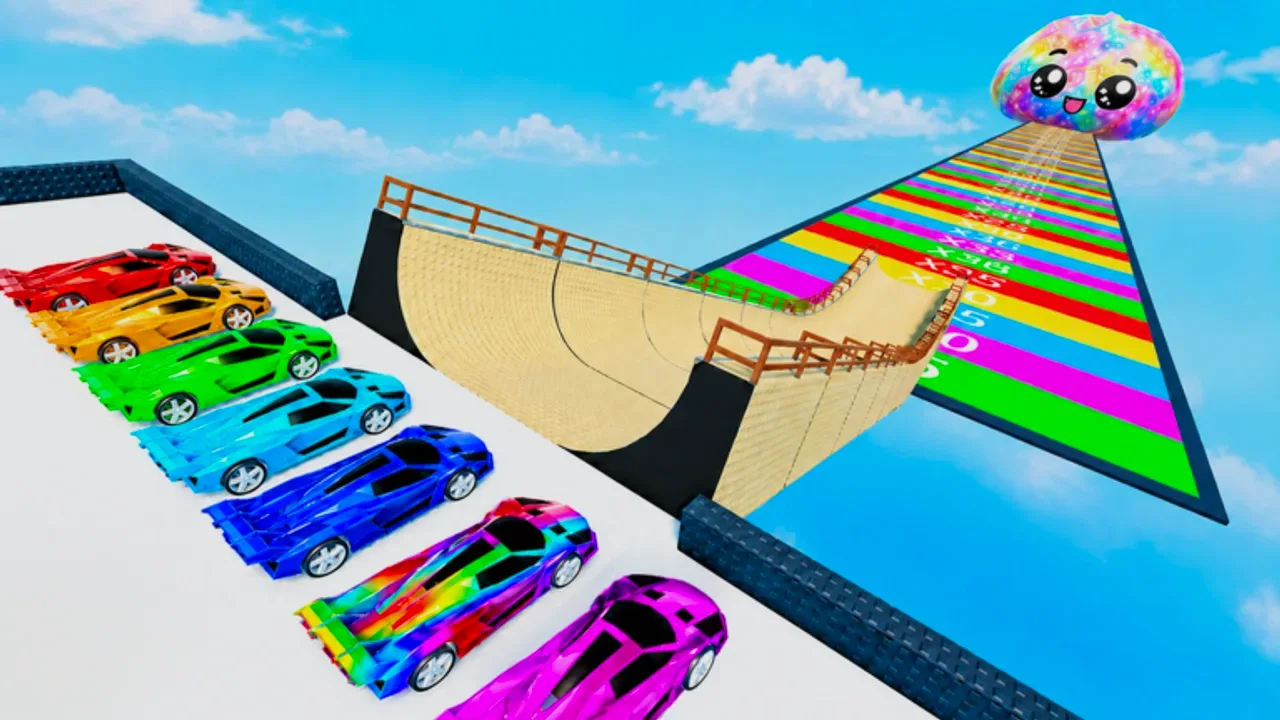
Controls decide whether upgrades feel real
A stronger car in MEGA RAMP FOR SLIME only helps if you deliver its speed to the jump. This controls guide focuses on habits that prevent scrubbing velocity: clean lines, minimal late steering, and stable camera awareness. Pair it with how to play for the full loop and landing zones for distance goals.
Exact keybinds follow Roblox defaults and can be remapped in Roblox settings. Treat the lists below as behavioral checklists, not a promise that every patch keeps the same glyphs on screen.
PC keyboard and mouse habits
- Accelerate early; do not feather the throttle the entire ramp unless you are correcting a crash line.
- Steer in small taps. Holding a turn bleeds speed and throws your exit angle.
- Avoid reverse or brake near the lip unless you are already crashing.
- Keep the camera high enough to see the ramp edges and the upcoming void.
- After landing, stop fighting the car—exit to claim the box and return to base.
If you overcorrect every run, slow down your inputs for ten practice jumps. Muscle memory for a straight line beats cinematic swerves.
Gamepad habits
Controllers shine when triggers give smooth throttle, but stick drift near the lip is deadly. Deadzone adjustments in Roblox or system settings can help. Use gentle stick inputs on the final third of the ramp. If your jumps curve the same wrong way every time, check physical drift before buying another car from the cars tier list.
Mobile habits
Mobile players should:
- Use a stable grip so thumbs do not bounce on the throttle.
- Prefer short steering taps over long slides.
- Lower distracting graphics if frame drops make the lip timing feel random.
- Consider a clip-on trigger if you play long Index grind sessions from the slime index guide.
Touch controls punish panic swipes. When you miss, finish the run, note whether the miss was early steering or late panic, then queue another attempt.
Practice drills (fifteen minutes)
- Straight-line drill: ten runs focusing only on not touching steer for the final half of the ramp.
- Exit drill: ten runs watching only the lip; ignore box rarity.
- Zone drill: ten runs aiming one specific pad described in landing zones.
Log success rate. If upgrades from earn money did not move your rate, the bottleneck is still input quality.
Settings worth checking
- Graphics quality high enough to see zone markers, low enough to keep FPS stable.
- Camera sensitivity reduced if you constantly over-flick.
- Shift lock / camera modes tested offline so you are not experimenting mid-hunt.
Tie controls to progression
Better control raises effective distance, which raises box quality, which feeds rare finds described in rare slimes. Use the progression planner only after your success rate on the current zone is stable—otherwise you will buy cars to solve a steering problem.
Also skim updates if a patch changes vehicle handling, and keep codes separate from skill practice. For a map vocabulary refresher, open the wiki. Scripts that teleport past the ramp remove the control skill check entirely but carry ban risk—see scripts.
Clean inputs are free power. Earn them before you blame the shop.
Frequently Asked Questions
Quick answers for MEGA RAMP FOR SLIME players.
What is the biggest controls mistake?
Heavy late steering on the ramp. It kills speed and twists your jump line away from the target Landing Zone.
Do I need a controller?
No. PC, mobile, and gamepad all work. Pick the device you can drive straight on for long sessions.
Why did a new car not help?
If you still scrub speed or miss the lip, stats cannot help. Run the practice drills before the next purchase.
Where should I go after learning controls?
Read Landing Zones next, then Earn Money and the cars tier list to convert consistency into upgrades.